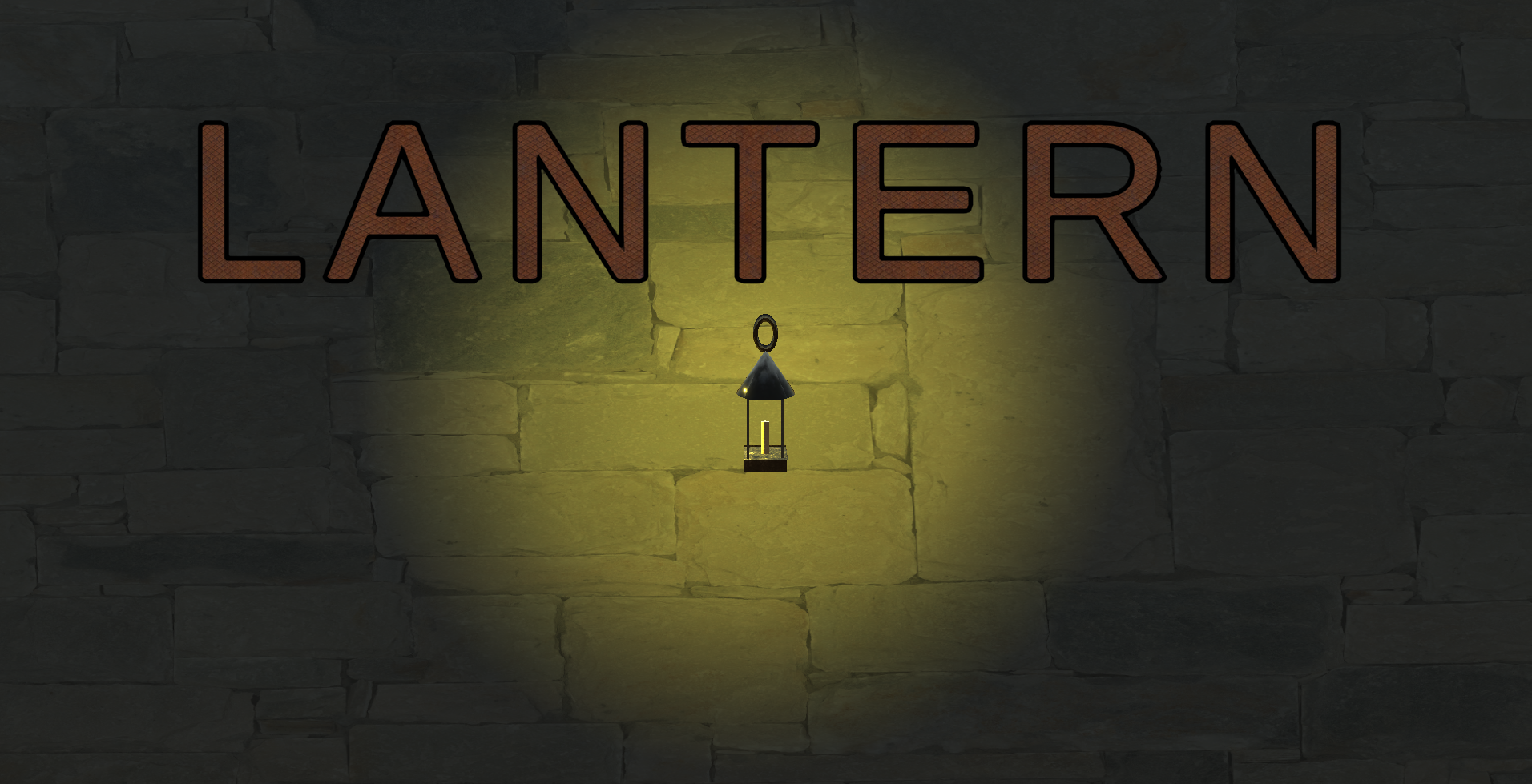
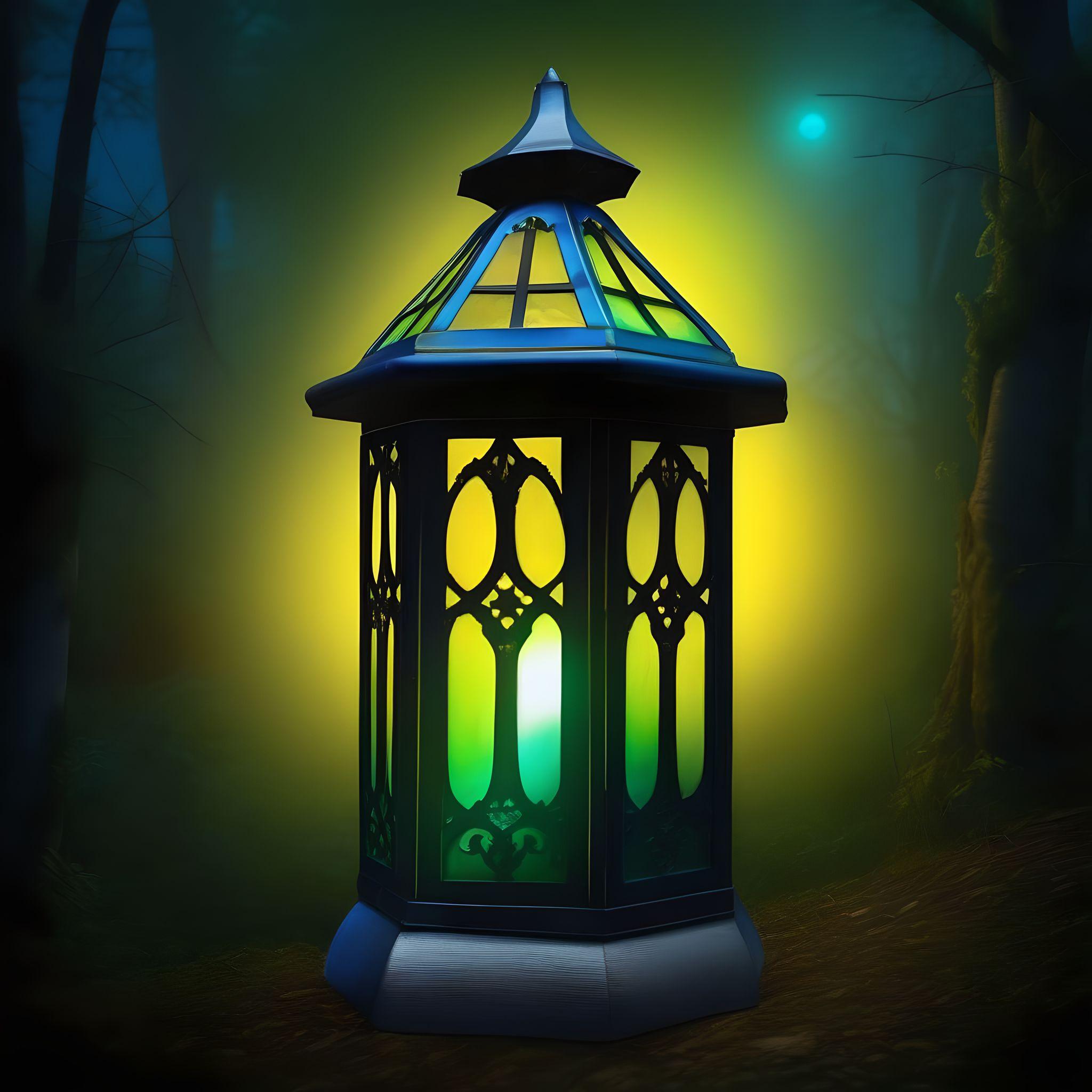
Lantern is a 3D Unity puzzle game that's main mechanic is to use the provided lantern to shine light on color coded panels and the code that is located on these panels will only appear if the right color is present from the lantern.
The problem that Lantern was designed to solve was a simple, lightweight game that can be enjoyed by people who both do and don't play video games to have an introduction to the gaming community that is ever growing. The game also give current players of video games an enjoyable experience in a different game genre that is not commonly portrayed in todays current market for video games.
Getting the player to move was easy as the first approach consisted of a input manager asset through the unity store that than evolved into a more complex movement script that allowed for the inclusion of footsteps and head bob.
The keypad and the code assigned to the keypad is the main asset that handles the code generation and assignment to the code panels. For each playthrough and each level that the player progresses through, a new random code is generated allowing for multiple unique playthroughs.
The most complex feature of the game is held by the code that went into making the code and code panels visible only when looked at. Through traditional coding this aspect was not possible without the assistance of Shader Lab coding that allowed for game objects and its material to react to light.

Unity is the main game engine that is used to create Lantern. This engine was chosen because of the numerous resources that were available to include: Unity forums, Youtube videos, and the most useful, the Unity asset store.

Blender, next to Autodesk Maya, is a 3D sculpting software that many avid hobbyists and enthusiasts use for many of their personal and professional projects. Although Blender is not a common industry standard software that is used, the Blender community is helpful when creating user and beginner friendly tools and instructions to allow for a smooth creation pipeline.

Wwise is a commonly used and critically acclaimed software that allows for audio mixing and managing sound pipelines. Wwise was the second choice originally from FMOD studios. Wwise has a larger community and is seen as one of the better industry standard software as, with the other software listed, has a large, helpful community and even provided both tutorials and certifications for the software.

Quixel Mixer is an Unreal product that allows for the creation of materials that can be applied to Unity assets. This software was chosen because it is the most user friendly software. Quixel Mixer was quick and easy to use when exporting material maps to Unity to apply to game objects.
All software and skills above have been new experiences for me!
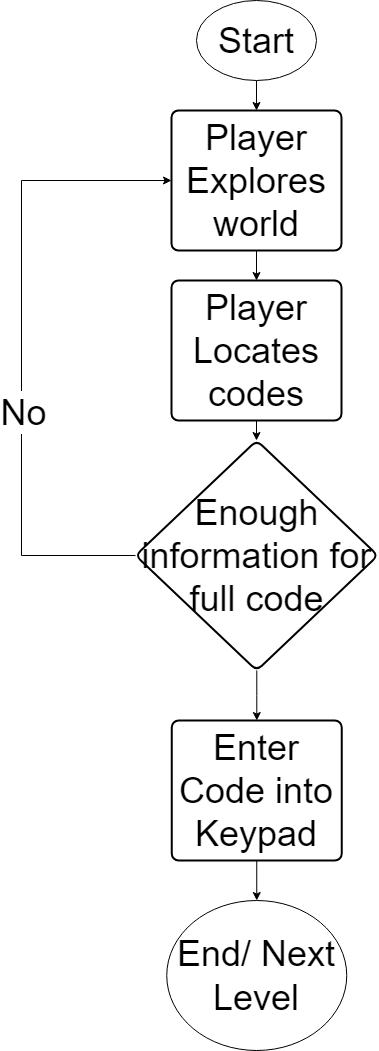
To keep inline with the main objective of Lantern which is to be simple, easy, and fun I designed the game to have a simple game flow that did not require too many steps but was also still fun.
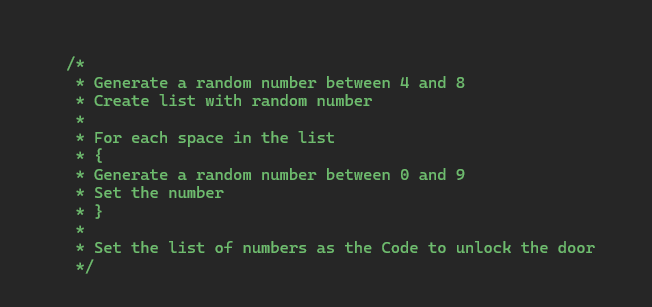
The goal of the game is to find the code around the set world and uase that code to open the than procced to the next level. This simple concept was easily acheived however, I wanted each playthrough to be unique so, each level has a random code generated.
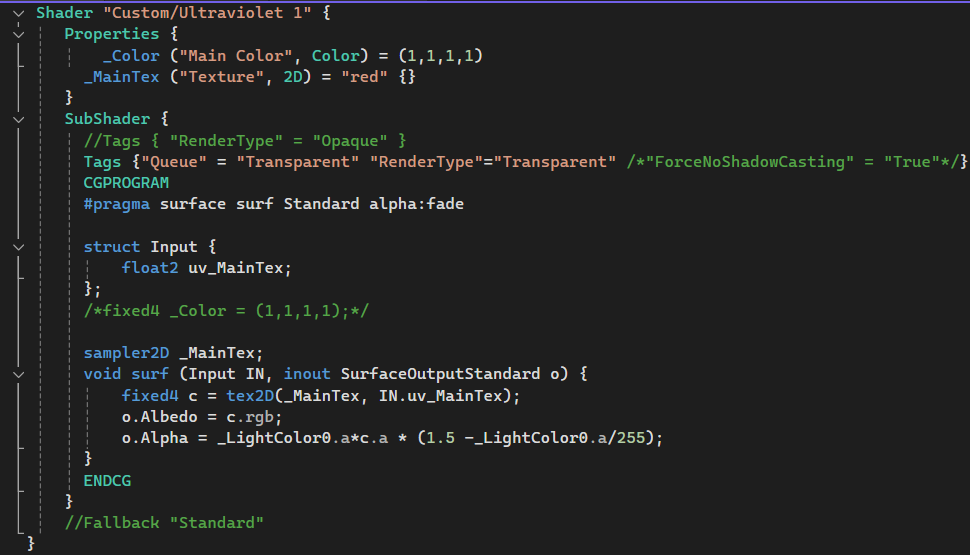
Unity has a very intresting subset of coding languages, one of them being Shader Code. With the help of Shader Code, this allowed for the main aspect of the game to become a reality as this bit of code is what allows for certain game objects to react to light.

Youtube has by far been the most helpful and most useful of the resources that was used throughout the creation of Lantern. Youtubers such as Brackeys and Game Maker's Toolkit has been nothing shy of the most beginner friendly Unity channels on the Youtube platform.
The Unity Forums is one of the larger driving factors that lead me to choose Unity as my game engine for Lantern. The community and response time from many of the members and the Unity developers themselves were always helpful when When trying to debug or solve an issue.
Unity Forums
Like the Unity forums, the Audiokinetic Website not only had helpful and much needed forums but, they also offered Unity Tutorial packages that can first hand teach you the inner working of both Wwise and it's intergration. They even offer certification with their program.
Audiokinetic
Freesound is the website that I used because not only did it offer many royalty free sound effects that were used throught the game, it also provided a forum as well and file types ranging from mp4s to oggs. The game would not sound as good as it does if not for a community that provided free-use sound effects at such high quality and variety.
Freesound.org